
Danebury School

Arbor Student and Parent App & Microsoft Login
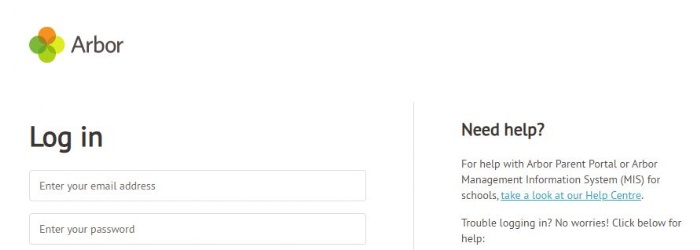
Arbor requires email addresses to be in lowercase, e.g. 26lowercasea@danebury.hispmat.org.
Note that the students often mistype their emails and save them, causing issues.
Browser Address: https://danebury-school.uk.arbor.sc/
HINTS & TIPS
-
Recommend logging on for the first time via a browser, (or if you are having issues) then download the app.
-
Students need to download the STUDENT app
-
Parents download the PARENT app.
-
Troubleshooting – uninstall your app - log into the browser https://danebury-school.uk.arbor.sc/ and then download the app and try again
-
We can reset passwords for users
Student Login to Microsoft 365
Students can log in to their Microsoft 365 account on any device using a web browser or Microsoft App such as Outlook.
- Log in using a web browser.
- Start your device and open a web browser.
- Go to www.office.com and Sign in.
- Enter your full school email address, e.g. 25lastnamei@danebury.hispmat.org
- Enter your school Password
- Click Sign-in.
In Microsoft 365 you will see a link to apps on the left of your screen. Click on this link to see your available apps.
This will include links to: •
- Outlook – your school email account.
- OneDrive – your saved school work and other files.
- Teams – where you can find classwork, homework, and other resources.
Using the Outlook or Teams app on a mobile.
You can get the Outlook and Teams apps for free in your app store. After installing an app, you need to login using your school credentials.
- Open the app store and search for Outlook or Teams.
- Click Get or Download and click through to install the app.
- Start the app.
- Choose to add a school or work account.
- Enter your full school email address, e.g. 25lastnamei@danebury.hispmat.org
- Enter your school Password*.
- Click Sign-in.
You will need to contact IT admin to reset your password. In Outlook you will be able to manage your email. Teams will give you access to your class groups, homework assignments, documents, and other files with a link to your OneDrive account. Please note that the apps may not work on older phones/operating systems.